This browser cannot display the page correctly. Please update your browser to the latest version.

Miharu

Now available from your own AI, including ChatGPT and Claude

Stop checking.
You’ll know.

Miharu automatically checks web pages for updates and changes, and alerts you. No PC, no browser extension — from setup to reviewing the diff, everything happens on your phone.


Download on the App StoreGet it on Google Play
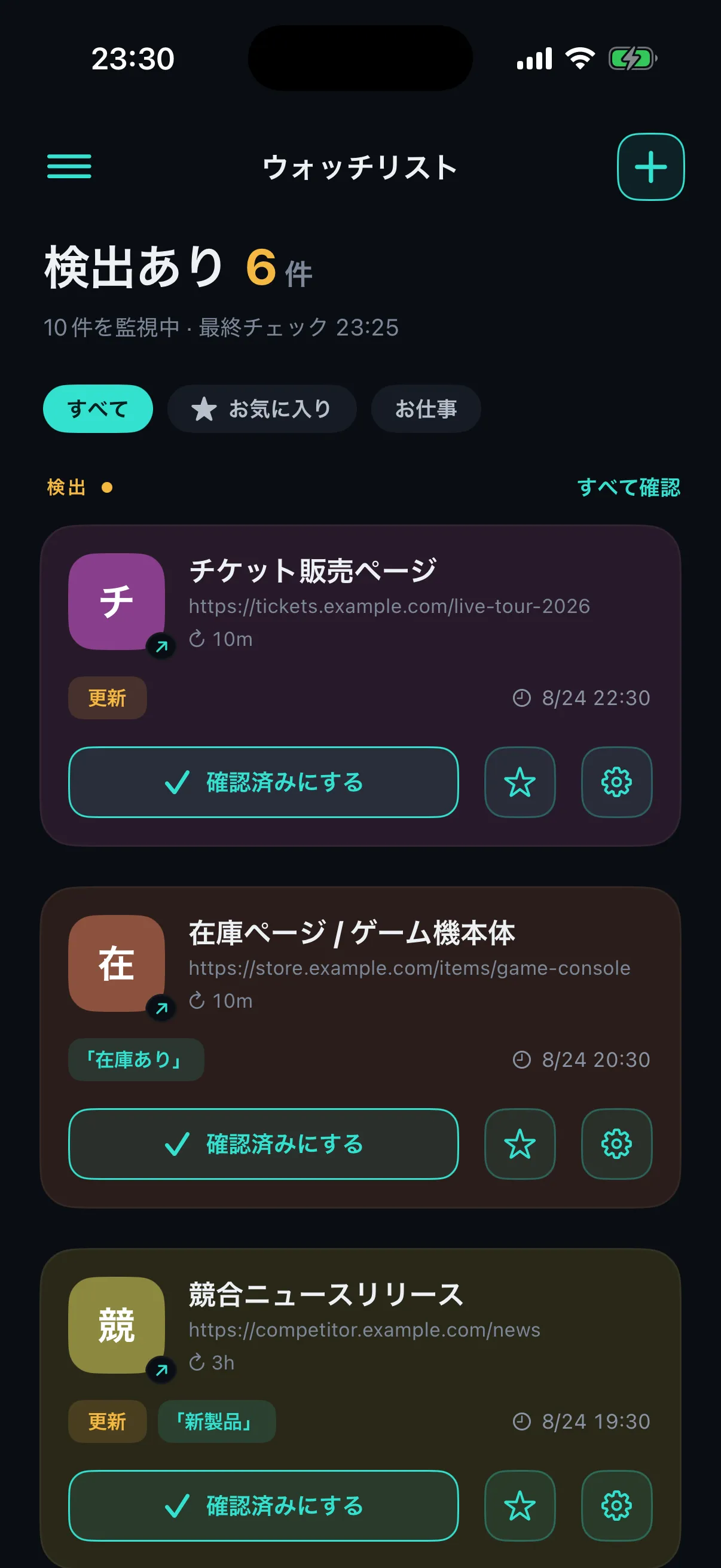
The Miharu Watchlist screen, showing six pages with detections
iOS / ANDROIDNO PC REQUIRED6 DETECTION MODES7 LANGUAGES
What is Miharu

Miharu checks web pages
so you don’t have to

Just add a page to your Watchlist. Miharu keeps checking it automatically, even while the app is closed.

Set it up and see the results — all on your phone.

Most web monitoring services assume you have a PC. With Miharu, the diff view and the trend graph are right there on your phone.
Available for iOS (iPhone and iPad) and Android.
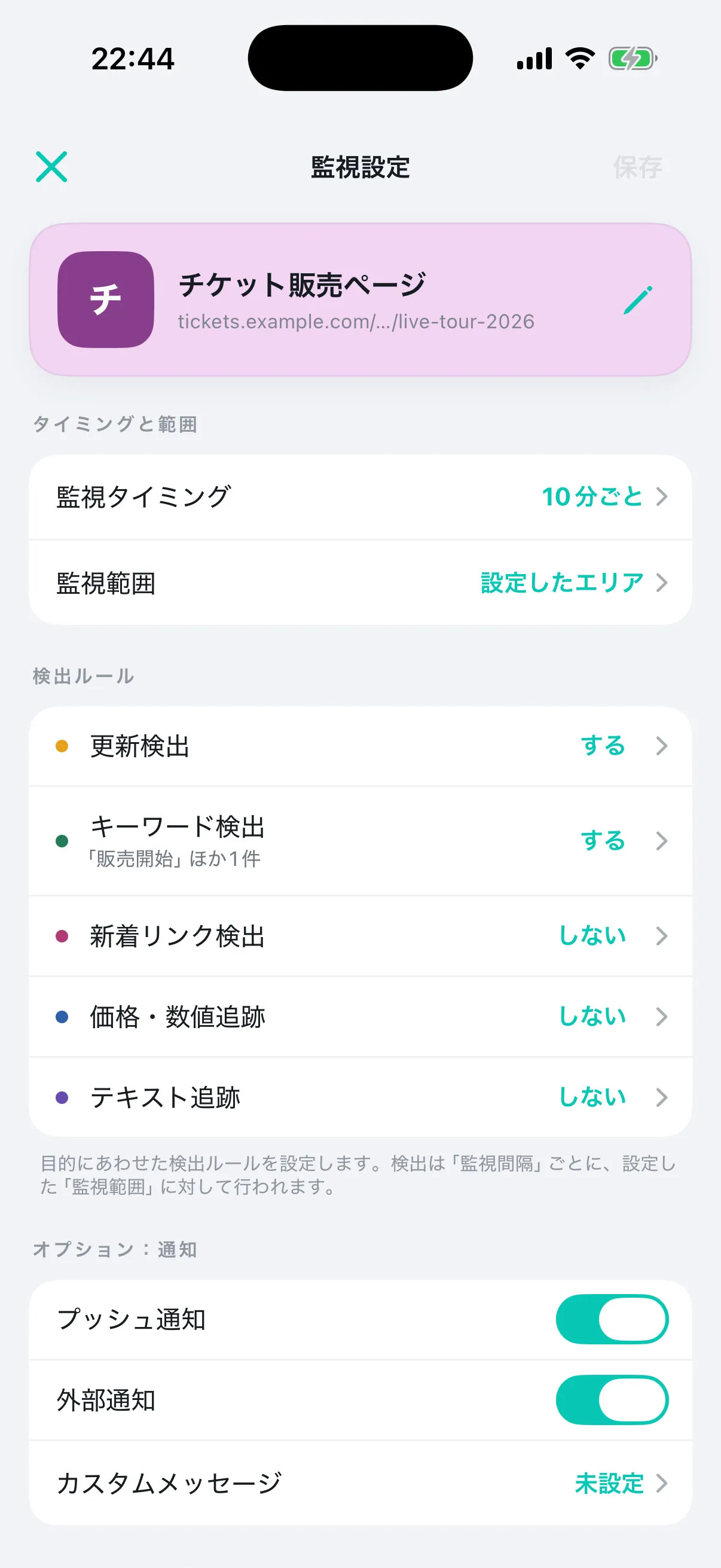
Settings screen
Settings screen
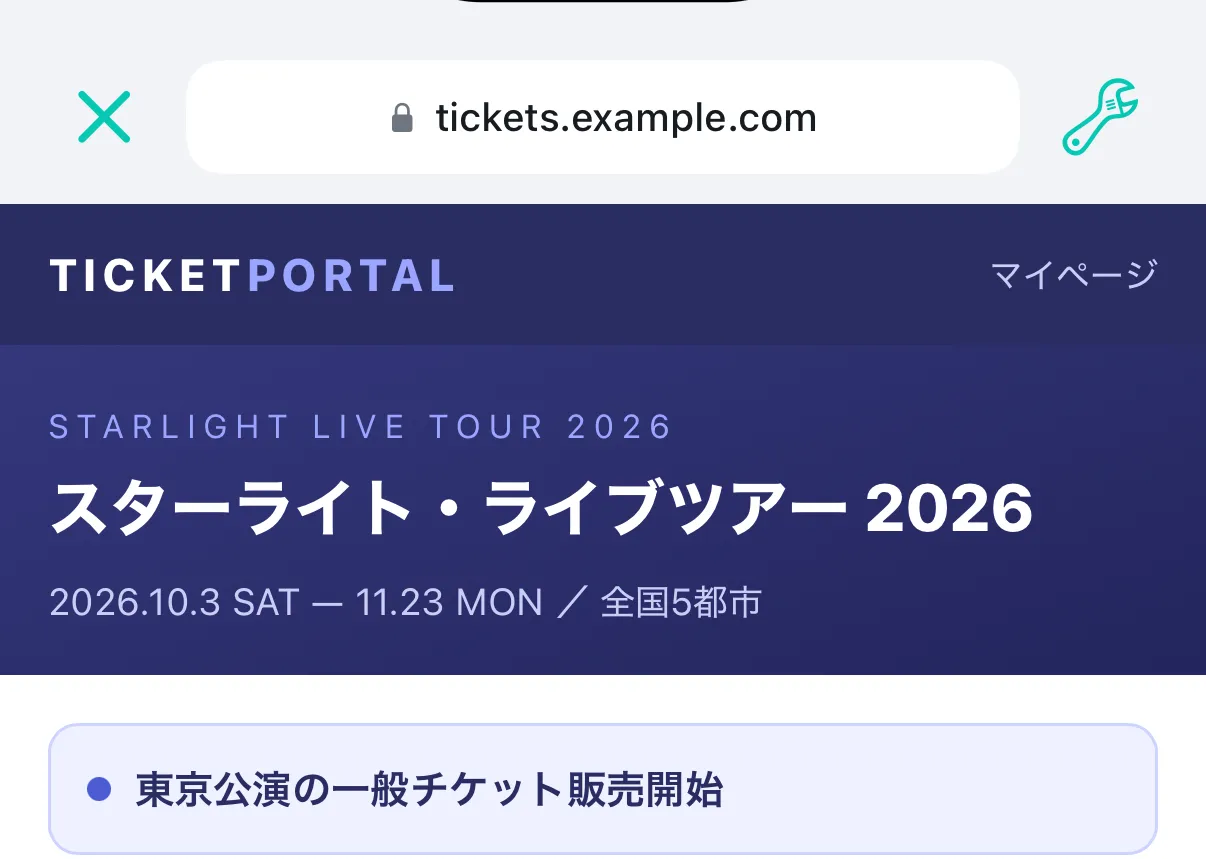
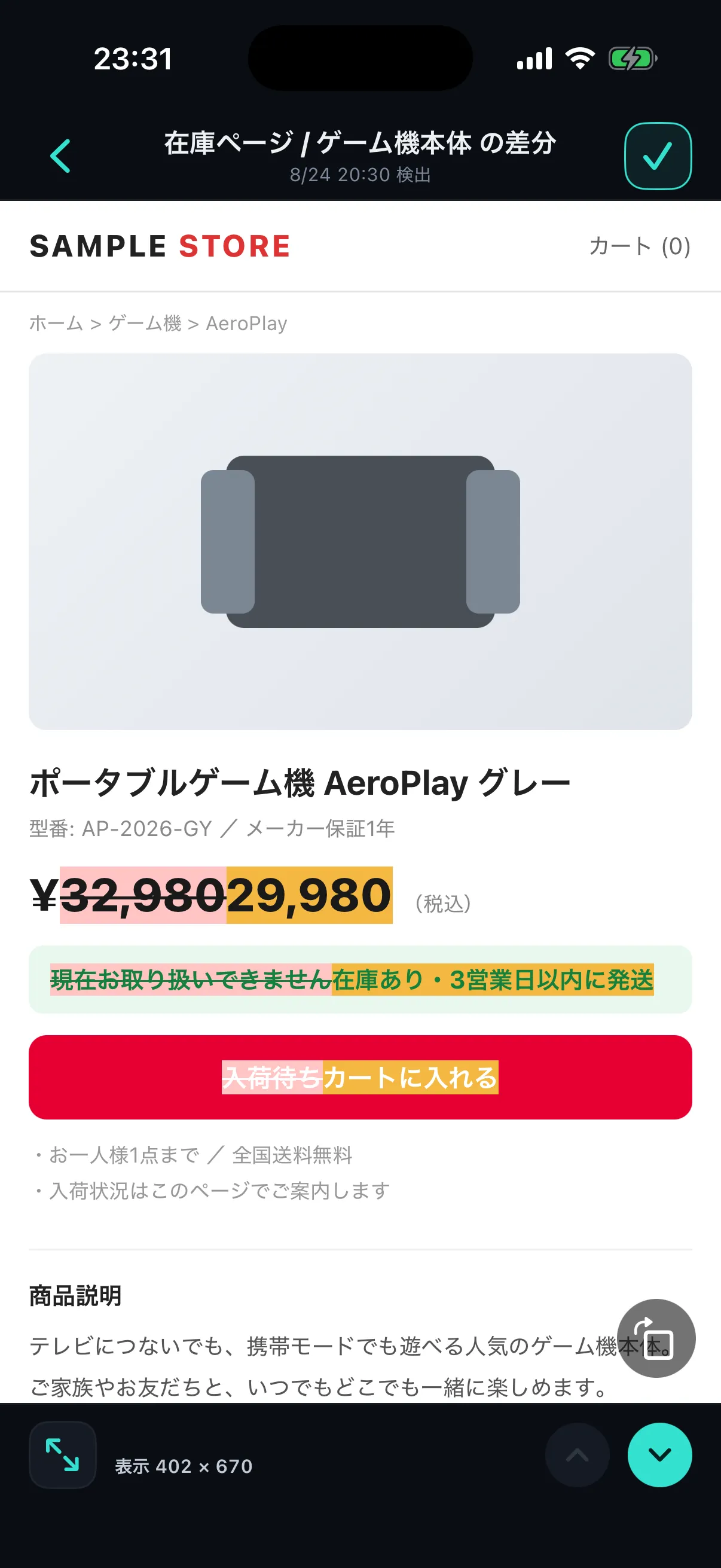
Diff view
Diff view
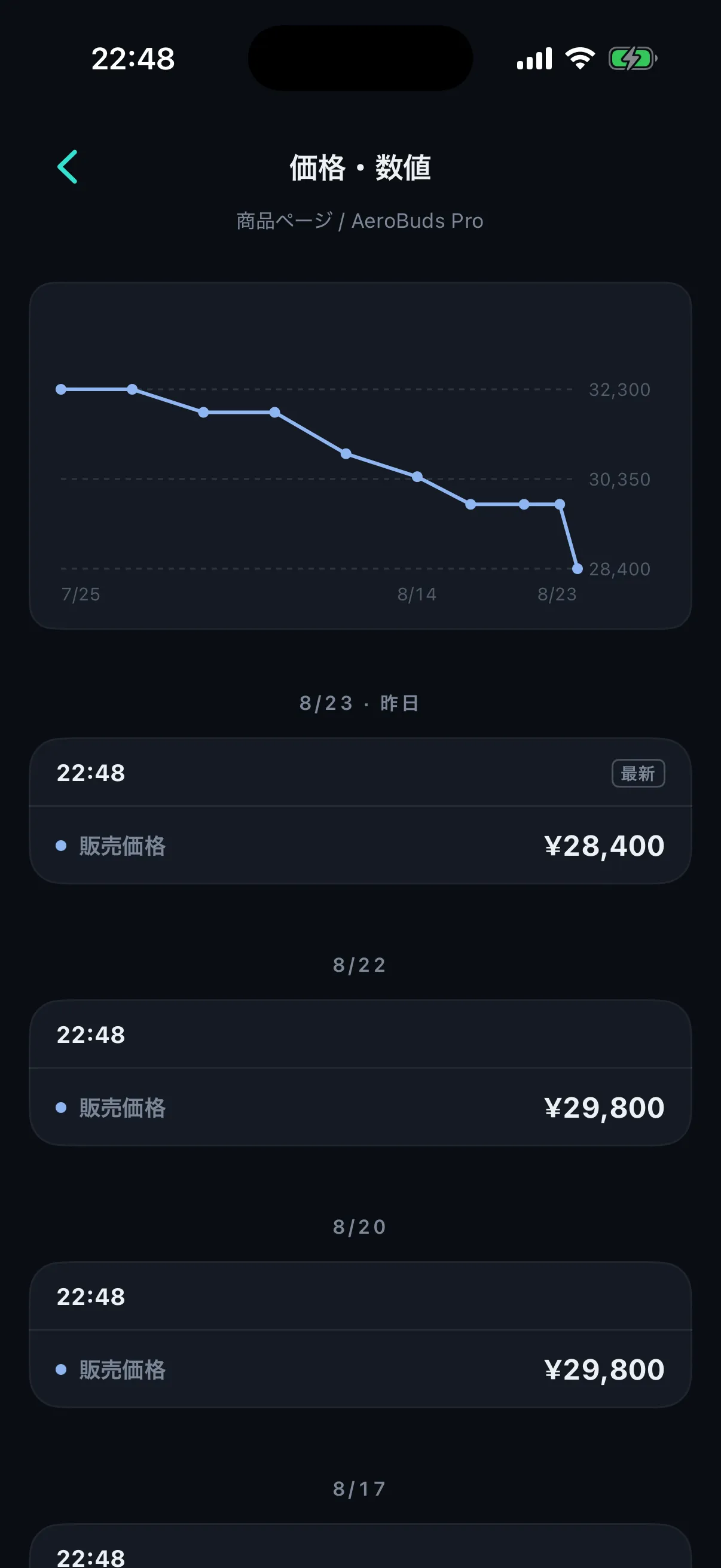
Trend graph
Trend graph
Settings, detections, and trends. All on a single phone.
Use cases

Things Miharu can watch for you

Concert and event tickets going on sale
Restocks and re-releases
Price drops and sales
New job postings
Press releases from competitors
New blog and news posts
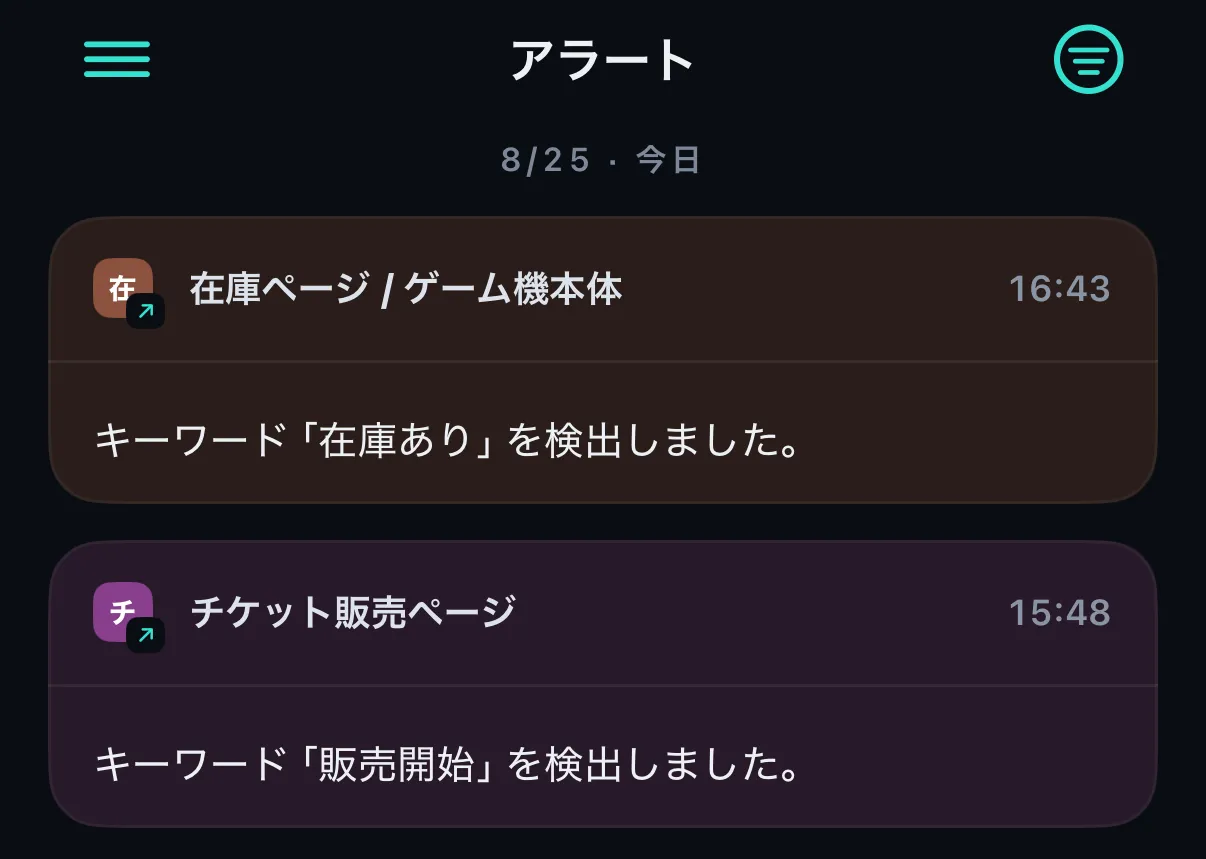
Notification

The moment something changes,a push notification arrives

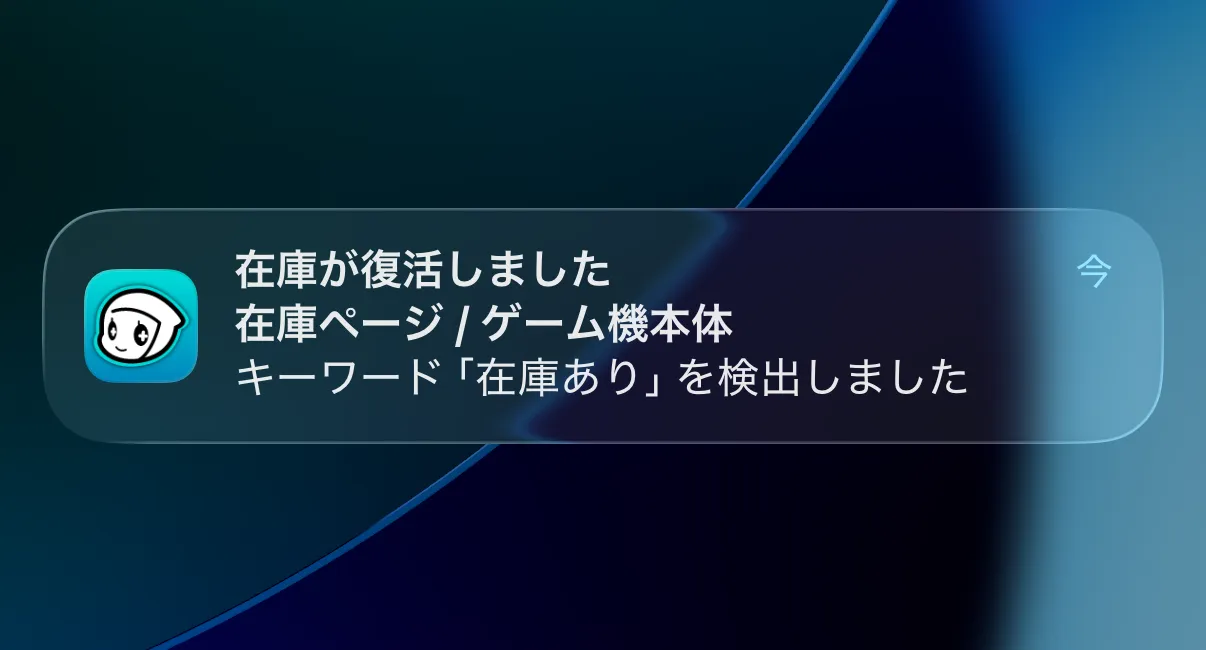
Say an item you had your eye on is back in stock. The moment Miharu spots it, a notification lands on your phone, just like any other message. No more going back to check the page yourself.

Besides push notifications, Miharu can send to email, Slack, Discord, Webhook, and Telegram.
EmailSlackDiscordWebhookTelegram
A Miharu push notification on the lock screen, announcing that an item is back in stock
How to use

Everything is set up in the app

STEP 1Find a web page in the app and add it to your Watchlist
Add page screen
STEP 2Choose what to watch for, and how often to check
Detection rules and interval settings screen
STEP 3Then just wait. Miharu’s cloud detects the change and lets you know
Notification received

Detected diffs and value trend graphs are available right there in the app.

MiharuMiharu is free to start on iOS and Android.
Download on the App StoreGet it on Google Play
Personal AI

Miharu, straight
from your own AI

Just ask an AI assistant such as ChatGPT or Claude to add a monitor or analyze your results. “Tell me when this page is back in stock” — your AI and Miharu take it from there.

More about AI integration →
Detection

Detection to match what you need

See the features in detail →
Change DetectionGet notified when the text on a page changes.
Keyword DetectionGet notified when a keyword you chose appears.
New Link DetectionGet notified when a new link is added.
Price/Value TrackingGet notified when a price or value at a spot you picked changes.
Text TrackingGet notified when the text at a spot you picked changes.
Monitoring AreaExclude the parts of a page you don’t want checked.

Leave your daily web checks to Miharu.

Download on the App StoreGet it on Google Play